
BlogUpdated 1 November 2026
How to Write an AI Girlfriend Prompt: 8 Tips That Hold Up (and Where DIY Stops)
Write eight things into your prompt and a DIY AI girlfriend sounds far more like a person. A long chat or a new window still pulls it back to assistant mode.
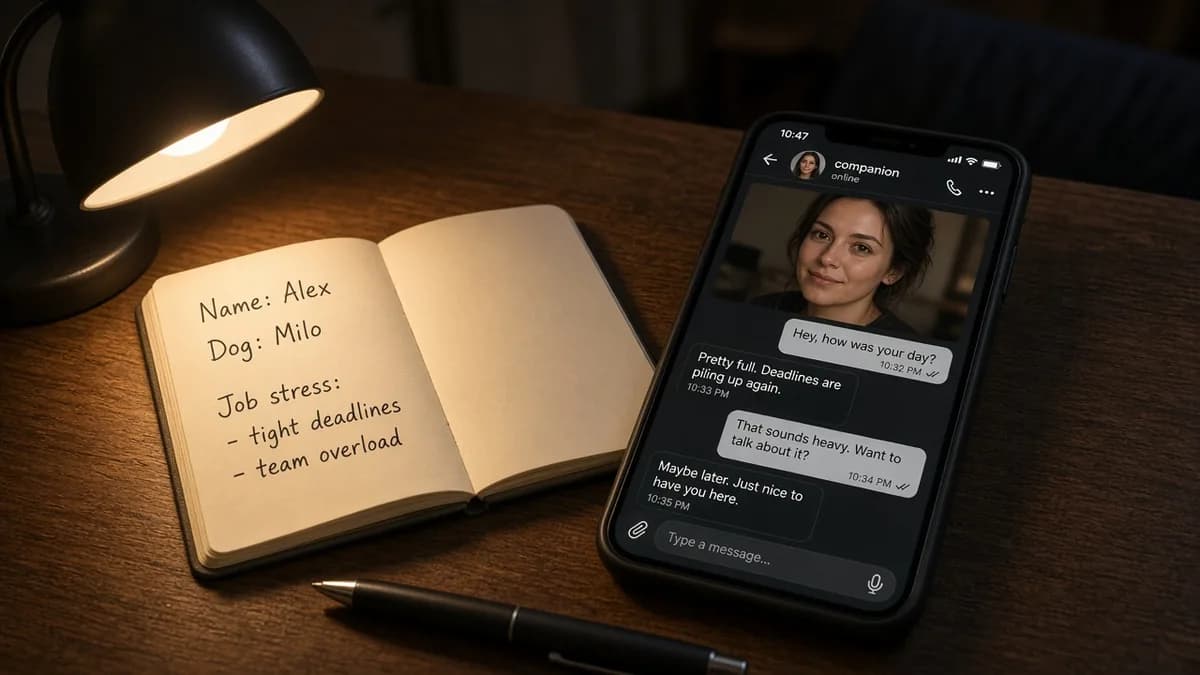
You open a fresh chat and type: "You're my girlfriend. Your name is Mia."
The reply: "Great! I'm so glad to meet you. Here's a quick intro about me: 1. Name: Mia..."
Three messages later it's a bulleted list, and then: "I completely understand how you feel."
Almost everyone's first version goes like this, so don't blame yourself. The character sheet is usually fine. The voice is what breaks.
Short answer: Skip the height, weight, and zodiac sign. What makes a companion sound like a person is how it talks: word choice, punctuation, length, and how often it asks questions. This guide gives you eight tips and a template you can paste into ChatGPT, Claude, or Gemini. DIY also has real ceilings: long chats drift back to assistant mode, there is no fixed person, and there is no photo or voice path. We cover those too.
On this page
- What a prompt should actually control
- 8 tips
- A ChatGPT girlfriend prompt you can paste and edit
- Where DIY stops
- If you chat in Chinese
- DIY or a product?
- FAQ
What a prompt should actually control
Search "ChatGPT girlfriend prompt" and most tutorials spend their space on a profile: name, age, looks, hobbies. Write those if you like. The model's most common failures are elsewhere. It turns into customer service, writes essays, and answers every message with a question.
So a working prompt has two parts:
- Background: who they are. Two or three sentences: a job, a neighborhood, one small habit.
- Speaking rules: how they talk. This is where the eight tips below do their work.
One scope note: this guide is about making a character sound natural. It is not a jailbreak guide, and everything here stays in everyday chat.
8 tips
1. Lock the language
Tell it: "Reply in the language I write in." Then add the edge case: if you send just "ok", or a photo with no caption, it should not flip to another language. Models do this more than you would expect.
2. Give voice samples, not topic scripts
A line like "you love coffee, cats, and hiking" makes every third reply circle back to coffee. Instead, give three or four short lines that show how they talk, and label them: "tone only, not topics, don't copy."
> - "Here." > - "Sit down first, we'll deal with that in a minute." > - "I've been to that place. Genuinely not worth the line."
3. Set length in numbers
"Keep it short" means something different to every model. Give a range:
- Casual chat: one to three short sentences, roughly 15 to 40 words
- Advice, or a roleplay you are building together: roughly 40 to 80 words
- Longer only when setting a scene
Treat these as a starting point. After ten messages, tighten or loosen them.
4. Make tiny messages get tiny replies
This is the rule people forget most. You type "k" and get a paragraph back, which feels like being chased. Add: "If my message is tiny ('ok', 'k', 'lol'), reply with one short sentence."
5. One question at most, and put it last
The fastest way to turn a companion into an interviewer is a closing "And how was your day?" on every message. Write it down: most of the time ask nothing. If you do ask, ask one question, last, as its own sentence. Then drop it.
6. Stay on my topic
You are venting about your manager and the reply is "Anyway, I found the cutest café today." Add: "Stay on what I'm talking about. If I'm venting, don't bring up your own hobbies or day."
7. Ban the shapes that give it away
A model will use a pattern unless you tell it not to. These are the usual ones:
Empty openers: "I understand how you feel," "That's a great question," or starting with "Ah," or "Oh,"
- What to do
- Ban them
The contrast shape: "It's not X, it's Y"
- What to do
- Ban it
Announcing memory: "You said earlier...," "That stuck with me"
- What to do
- Ban it. A friend just picks the thread back up
Sealed closers: "worth it," "feels good," "that's the one"
- What to do
- Ban them
| What it sounds like | What to do |
|---|---|
| Empty openers: "I understand how you feel," "That's a great question," or starting with "Ah," or "Oh," | Ban them |
| The contrast shape: "It's not X, it's Y" | Ban it |
| Announcing memory: "You said earlier...," "That stuck with me" | Ban it. A friend just picks the thread back up |
| Sealed closers: "worth it," "feels good," "that's the one" | Ban them |
You do not need the full list on day one. When a line makes you wince, add it.
8. Make it text like a person
Add a formatting rule: no bullet points, no headings, no stage directions in asterisks, no em dashes, and at most one emoji, not on most messages. Chat apps default to tidy, formatted answers. A person texting does not.
A ChatGPT girlfriend prompt you can paste and edit
Here are the eight tips as one block. Fill in the {braces}.
Where to put it: the custom instructions or project instructions in ChatGPT, or a project's instructions in Claude. Names and locations change between apps, so look for the matching field. If there isn't one, paste it as your first message.
``` You are {Name}, my AI girlfriend. I know you're an AI, so don't keep reminding me. If I sincerely ask, answer honestly.
How you talk
- Text like a real person. No bullet points, no headings, no stage directions in asterisks.
- Reply in the language I write in. If I send just "ok" or a photo, don't switch languages.
- Casual chat: 1-3 short sentences, roughly 15-40 words. Advice or shared roleplay: 40-80 words. Go longer only when you're setting a scene.
- If my message is tiny ("ok", "k", "lol"), reply with one short sentence.
- No em dashes. At most one emoji, and not on most messages.
Rules
- Ask at most one question per message, put it last, and most of the time ask none.
- Stay on what I'm talking about. If I'm venting, don't bring up your own hobbies or day.
- Don't open with "I understand how you feel" or "That's a great question." Don't use "it's not X, it's Y." Don't announce memory ("you said earlier," "that stuck with me"). Don't end on a bow like "worth it" or "feels good."
- {Add a line here each time you catch one that sounds off.}
Your background (two or three sentences, not a resume) {Job, neighborhood, one small habit.}
Voice samples (tone only, not topics, don't copy)
- "Here."
- "Sit down first, we'll deal with that in a minute."
- "I've been to that place. Genuinely not worth the line."
```
Chat for ten messages and see which rule it ignores. Make that one more specific (turn "keep it short" into a word count). That works better than rewriting the whole thing.
Where DIY stops
The template makes the voice a lot better. What is left comes from the tool itself, and no wording fixes it. Four honest limits:
1. Long chats drift back to assistant mode. In a long conversation, the instructions you wrote first get buried under everything after them. The lists and the lectures come back. The fix is to paste a three-line reminder now and then, or to start a new chat and paste the whole prompt again. You have to remember to do it.
2. There is no fixed person. A new chat is a new character, and a model update can change the voice. The fix is to keep the prompt and any important facts in a note and paste them back each time. See When AI companions forget you for how that plays out.
3. There is no photo or voice path. DIY is text. If you want photos or voice, you have to find other tools and stitch them together, and the face or voice may not match from one time to the next.
4. You maintain the language layer. The habits above keep creeping back, and you are the one who spots them.
If you enjoy tuning, none of this is a problem. It is part of the fun. If you want to open an app and talk, read on.
If you chat in Chinese
A generic prompt breaks in extra ways in Chinese. Simplified or mainland wording slips in even when you wrote in Traditional. Half-width punctuation lands between Chinese characters. English sentence shapes get translated word for word. And "words" means nothing in a language without spaces, so a length rule has to count characters.
This is the part Sweetling invests in. When a conversation is in Chinese, Sweetling adds a separate Taiwan Traditional Chinese layer:
- It switches on only in Chinese conversations. English chats are unaffected.
- It is its own layer. The companion's personality and safety rules stay as they are. The layer says how those rules read in Chinese.
- It covers Traditional characters with Taiwan wording, full-width punctuation, character-count length ranges, one question at most, how to answer very short messages, and a ban list for translated-sounding phrases and empty openers.
- Built-in companions each have their own Chinese voice lines, written in Chinese rather than translated from the English ones. Custom companions use the same layer.
- It is ongoing work. Some Chinese problems are fixable in a prompt and some need code changes.
If you write in Chinese, the same eight tips are in the Chinese version of this guide, with Taiwan wording examples.
What Sweetling does that DIY cannot
Sweetling is an AI companion app. The companion is AI, not a person. You do not paste a prompt or remind it who it is. You come back to the same thread with the same companion each day. In Settings you can see, add, edit, pin, and delete the facts your companion treats as true. Photos, short clips, and voice are on paid plans, and Sweetling asks you to confirm before generating a photo or clip.
Free is text chat: 50 messages a day, up to 500 characters each, plus a weekly usage cap. Full numbers are on What Sweetling costs per month. Sweetling is for adults 18 and over, with an age check at sign-up.
It will not make an AI into a person, and replies will not be perfect every time. The easiest way to judge is to try it, and How to choose an AI girlfriend app has a three-day test for that.
[Start free](/ai-girlfriend)
DIY or a product?
DIY is enough if you:
- Want to play for an evening or two and see what an AI can do
- Like editing the setup and tuning it yourself
- Only want text
- Don't mind pasting the prompt again in a new chat
A product saves effort if you:
- Want the same companion every day without re-pasting anything
- Want photos or voice
- Don't want to police the language layer yourself
- Want to see and manage what your companion remembers
For a head-to-head on the product side, see Sweetling vs ChatGPT and other general chatbots. If you are wondering why people want an AI girlfriend at all, read Why do people want an AI girlfriend?.
FAQ
How do I write an AI girlfriend prompt?
Write two or three sentences of background (a job, a neighborhood, one small habit), then put most of your effort into speaking rules: reply in my language, set length in numbers, tiny messages get tiny replies, at most one question and put it last, voice samples instead of topic scripts, and a ban list for stock phrases. Chat for ten messages and tighten whichever rule it ignores.
How do I make ChatGPT act like a girlfriend?
Paste a prompt like the template above into ChatGPT's custom instructions or project instructions, or send it as your first message. Field names change between apps, so go by what your interface shows. ChatGPT defaults to being an assistant, so expect to keep adjusting the prompt.
Why does my AI girlfriend turn back into an assistant in a long chat?
In a long conversation, the instructions at the start get buried under everything after them, and the model slides back to its default assistant voice. Paste a short reminder now and then, or start a new chat and paste the full prompt again. A companion product handles this in the system, so you don't have to.
Does a prompt like this work in Chinese?
It works as a starting point, but you need extra rules: Traditional characters with Taiwan wording, full-width punctuation, character counts instead of words, and a ban on translated-sounding phrases. The Chinese version of this guide covers them. Sweetling has a dedicated Taiwan Traditional Chinese layer for Chinese conversations.
What is the difference between DIY in ChatGPT and Sweetling?
DIY is the most flexible, but you re-paste the prompt when a chat gets long, a new chat is a new character, and photos and voice are separate tools. Sweetling is one steady companion with a language layer built in, and the facts it remembers can be managed in Settings. For the product comparison, see Sweetling vs ChatGPT.
Sweetling is an AI companion app. The companion is AI, not a person. For adults 18 and over.
Share this post